

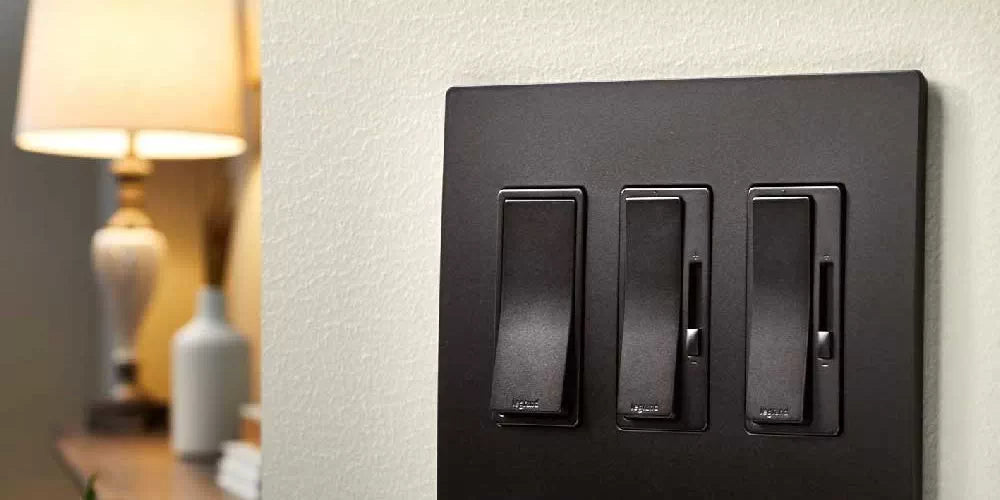
There is nothing quite as frustrating as installing a brand-new LED dimmer only to have your lights strobe like a 90s nightclub. You wanted ambiance, but you got a headache.
While old-school incandescent dimming was a simple matter of "less voltage equals less light," dimming an LED is a complex digital conversation. When that conversation breaks down, you get flickering, buzzing, or "ghosting." Here is the professional guide to diagnosing and fixing your LED dimmer issues once and for all.
The Technology: Leading Edge vs. Trailing Edge
Most homeowners run into trouble because they are using a "Leading Edge" dimmer (designed for the 1970s) with "Trailing Edge" bulbs (the 2020s). To fix the flicker, you have to match the tech.
| Feature | Leading-Edge (Triac) | Trailing-Edge (ELV) |
| Load Type | Resistive (Incandescent/Halogen) | Capacitive (LED/Low Voltage) |
| Dimming Style | "Chops" the start of the AC wave | "Chops" the end of the AC wave |
| Compatibility | Poor with LEDs; causes humming | Best for LEDs; quiet operation |
| Minimum Load | High (usually 40W–60W) | Low (usually 0W–10W) |

Leading-Edge (Triac) Dimmers

Trailing-Edge (ELV) Dimmers
Top 5 Reasons Your LED Dimmer is Flickering
1. The "Ghost of Dimmers Past" (Incompatibility)
If you replaced your old bulbs with LEDs but kept your original dimmer, you likely have a compatibility mismatch. Standard dimmers were built to handle 600 Watts of heat-generating bulbs. When you swap in 40 Watts of high-efficiency LEDs, the old dimmer doesn't even "realize" the lights are on, leading to massive instability.
- The Fix: Upgrade to a dedicated LED dimmer like the Lutron Diva LED+ or Leviton Decora Smart series.
2. Minimum Load Requirements
Every dimmer has a "floor"—a minimum amount of electricity it needs to function. If you have a 30W minimum-load dimmer and you’ve only installed three 6W LED bulbs (18W total), the circuit will "chatter" or flicker because it can't maintain a stable connection.
- The Fix: Add more bulbs to the circuit or switch to a trailing edge dimmer with a 0W minimum load.
3. Non-Dimmable Bulbs
It sounds obvious, but many "bargain" LED bulbs are strictly on/off. If you put a non-dimmable bulb on a dimming circuit, the driver inside the bulb will try to fight the dimmer, resulting in a violent strobe effect.
- The Fix: Check the base of your bulb. If it doesn't explicitly say "Dimmable," it isn't.
4. "Pop-On" and "Drop-Out"
Does your light turn off suddenly when you hit 10% brightness? That’s "drop-out." Does it refuse to turn on until you slide the dimmer up to 30%? That’s "pop-on." This happens when the dimmer's voltage range doesn't align with the bulb’s capabilities.
- The Fix: Adjust the low-end trim (see below).
5. Interference from Large Appliances
Are your lights flickering only when the AC or the vacuum is running? Large motors create "noise" on your home's electrical lines. High-efficiency LEDs are sensitive enough to pick up this noise.
- The Fix: Ensure your LED dimmer has internal RFI (Radio Frequency Interference) filtering.
The Pro's Secret Fix: Adjusting the Low-End Trim
Most high-quality LED dimmer switches have a hidden physical dial or a digital setting called the low-end trim.
If your lights flicker at the lowest setting, don't throw the dimmer away. Pop off the wall plate and look for a tiny lever or dial on the side of the switch. By sliding this up slightly, you set a "digital floor." This prevents the dimmer from ever going low enough to cause the bulb to flicker, while still giving you the maximum range of light.

Experience Flicker-Free Ambiance with Bees Lighting
Don't settle for a strobe effect when you’re trying to relax. Achieving the perfect dimming experience requires a professional-grade match between your bulbs and your controls. At Bees Lighting, we stock the industry's most reliable LED dimmer solutions—engineered to eliminate the hum, stop the flicker, and provide the smooth, continuous dimming your space deserves.


